
Best Crimson Moon graphics settings for no lag and max FPS
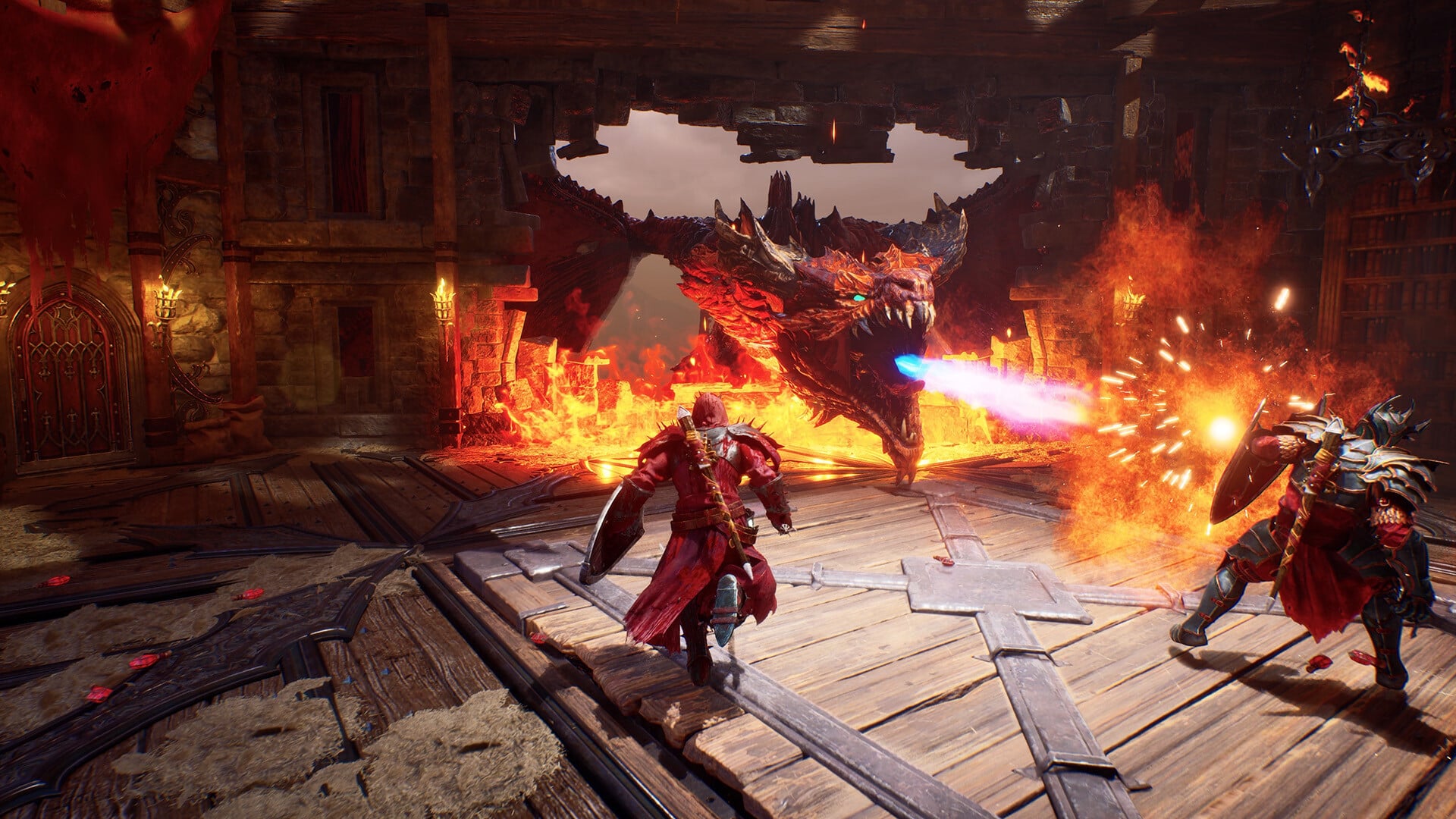

Indie title Crimson Moon is now available on PC, and there is a fair bit of tweaking you will have to do to get the best performance. The gameplay on the first day seems pretty exciting. I have encountered a few graphical issues, and the Steam reviews also suggest the same. Recommended Videos Most of the problems went away when I made tweaks to the in-game settings. Best Crimson Moon graphics settings Here’s quick run down of my PC specifications that I am using to play the game. AMD Ryzen 7 5700X AMD Radeon 9060XT 16 GB 32 GB of DDR4 RAM My specifications are closer to the recommended settings. For this guide, I have focused more towards settings that will suit players whose systems are closer to the minimum requirements. Display Mode: Personal preference Resolution: Should match the native resolution of your monitor. Vertical Sync: Off. Only turn this on if you’re still getting stutters and frame drops. Motion Blur: Off Frame Rate Limit: 60 FPS. This feels like a sweet spot, and going above it caused few stutters in certain stages. Graphics Quality: Custom Resolution Scale: 70% Global Illumination Quality: Low Shadows: Low Anti Aliasing: Medium Draw Distance: Close Texture Resolution: Medium Visual Effects: Low Reflections: Low Post Processing: Medium (Reduce this to Low if you’re getting frame drops) Upscaler: None. However, use this as required. If you’re getting frame drops, using an Upscaler is recommended. Frame Generator: None Low Latency Mode: None. Limiting the frame rate smoothened the gameplay, so that should be the first area for you to check out. I am also expecting at least a few post launch patches to remove the issues that I and other players have encountered.